
Download X Browser – lightweight browser, fast browsing, privacy-focused browser, mobile web, Android app, secure web browser, efficient browsing, streamlined web experience, smart search, multi-tab browser, mobile productivity tool
Overview
X Browser is a mobile application designed to deliver a streamlined and efficient browsing experience on Android devices. Tailored for users who prioritize simplicity, speed, and privacy, the app aims to eliminate clutter while maintaining powerful functionality. Its core purpose is to provide a fast, lightweight alternative to mainstream browsers, minimizing resource usage without sacrificing essential features. The app is particularly suited for individuals seeking a no-frills web experience—ideal for students, remote workers, and everyday users who value control and performance over flashy interfaces.
By emphasizing a clean layout and minimal distractions, X Browser helps users focus on content rather than navigation. It solves common frustrations such as slow loading times, excessive data consumption, and intrusive tracking. Real-world use cases include quick research, managing multiple work-related websites, or browsing without leaving digital footprints. The app’s lightweight design makes it suitable for older or low-end Android devices where storage and processing power are limited.
Although the developer did not provide additional technical details about the company or background, the app has been available since 2019, indicating a stable presence in the Android ecosystem. As a free productivity tool, X Browser contributes to a more accessible and efficient mobile web experience, especially for users who want a reliable browser without unnecessary bloat.
Key Features & Functionality
- Seamless Browsing Experience: With optimized page loading and smooth scrolling, X Browser ensures uninterrupted access to web content. Users can navigate between pages quickly, reducing wait times and enhancing overall satisfaction.
- Privacy First Approach: The browser includes built-in privacy safeguards that allow users to browse without storing history or cookies. Customizable privacy settings empower users to control their digital footprint.
- Smart Search Integration: The app features an integrated Google search engine that delivers accurate and instant results. This functionality simplifies information retrieval, making it ideal for quick queries or research tasks.
- Effortless Multi-Tab Management: Users can open and switch between multiple tabs with minimal effort. The intuitive interface supports swipe gestures and tap-based navigation, improving multitasking efficiency.
- Lightweight and Fast Performance: At just 12.3 MB, X Browser is designed to operate efficiently even on devices with limited storage. The app maintains responsiveness across various Android hardware configurations.
For example, a student can use X Browser to research a topic while keeping notes in one tab and referencing a source in another—without the app slowing down. Similarly, a professional managing multiple client websites can switch between them seamlessly, benefiting from the app’s speed and low memory footprint.
Interface, UX & Performance
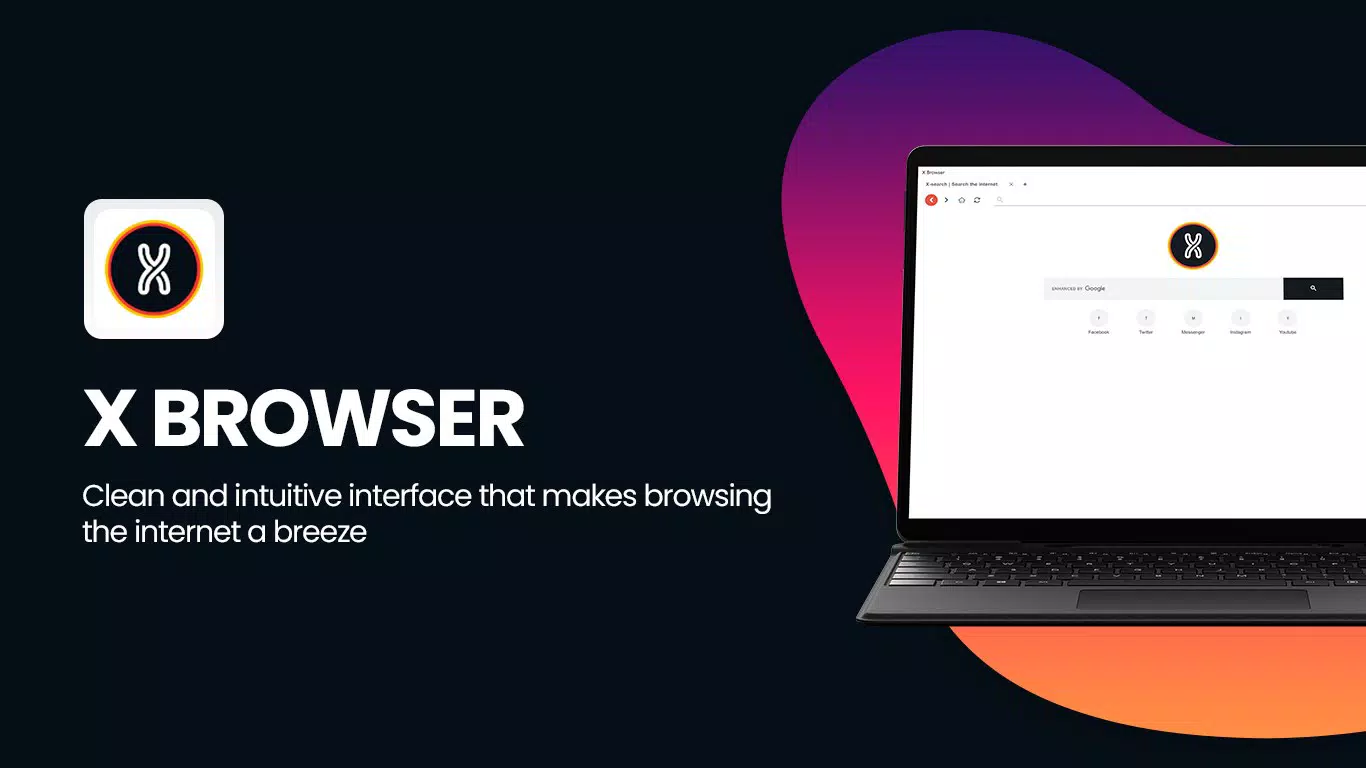
The user interface of X Browser is characterized by a clean, minimal layout that prioritizes usability. Navigation is straightforward, with essential controls placed within easy reach. The visual style avoids excessive animations or visual clutter, aligning with the app’s focus on efficiency. Users can access bookmarks, search, and tabs through intuitive gestures and clearly labeled icons.
Navigation flow is designed for speed and simplicity. The tab system allows users to open, close, and reorder tabs with a single swipe, reducing cognitive load. The app responds promptly to user input, ensuring a smooth experience during browsing sessions. Although the developer did not list formal performance metrics, the lightweight nature of the app suggests consistent responsiveness across different device categories, including budget and mid-range Android smartphones.
Stability appears to be a strength, given the app’s long-standing presence since 2019. Users can expect reliable operation without frequent crashes or freezes. The app maintains performance even when handling multiple tabs or complex web pages, which is crucial for maintaining productivity during extended use.
Platform Compatibility & Technical Requirements
X Browser is available exclusively on the Android platform. The current version is 1.2.0, with a file size of 12.3 MB, making it a compact download suitable for users with limited storage. The app is free to install and use, removing financial barriers to access.
The developer did not specify minimum OS requirements or compatibility details beyond the platform. As such, users should ensure their device runs a modern Android version for optimal functionality. While the app’s lightweight design suggests broad compatibility, specific device requirements were not disclosed.
Pros and Cons
Pros
- Lightweight design with minimal storage usage
- Fast page loading and responsive interface
- Strong focus on user privacy and data protection
- Efficient multi-tab management with intuitive gestures
- Free to download and use with no in-app purchases
Cons
- Developer did not provide detailed system requirements
- Specific features like sync or dark mode were not confirmed
- Limited information about update frequency or future development
- Compatibility with older Android versions is uncertain
- No public information about the development team or company background
FAQ
Is X Browser safe to use?
Yes, X Browser is designed with privacy in mind and does not store browsing history by default. It includes security features to protect user data during web sessions.
Can I use X Browser on iOS devices?
Currently, X Browser is only available for Android. There is no official version for iOS devices.
Does X Browser support syncing across devices?
The developer did not disclose whether syncing functionality is available. Users should check for updates or official announcements for future features.
How often is X Browser updated?
Specific update frequency was not provided. However, the app has been active since 2019, suggesting ongoing maintenance.
Is X Browser truly free?
Yes, X Browser is free to download and use. There are no hidden fees or in-app purchases currently reported.
Final Thoughts
X Browser stands out as a practical, privacy-conscious alternative for Android users seeking a fast and lightweight browsing solution. Its clean interface, efficient tab management, and strong emphasis on user control make it a compelling choice for those tired of bloated browsers. While some technical details remain unspecified, the app delivers on its core promises: speed, simplicity, and security.
It is particularly beneficial for users on older devices, students, or professionals who need a reliable tool for multitasking without performance trade-offs. The free model enhances accessibility, making it a valuable addition to any mobile productivity toolkit.
Download X Browser now


